


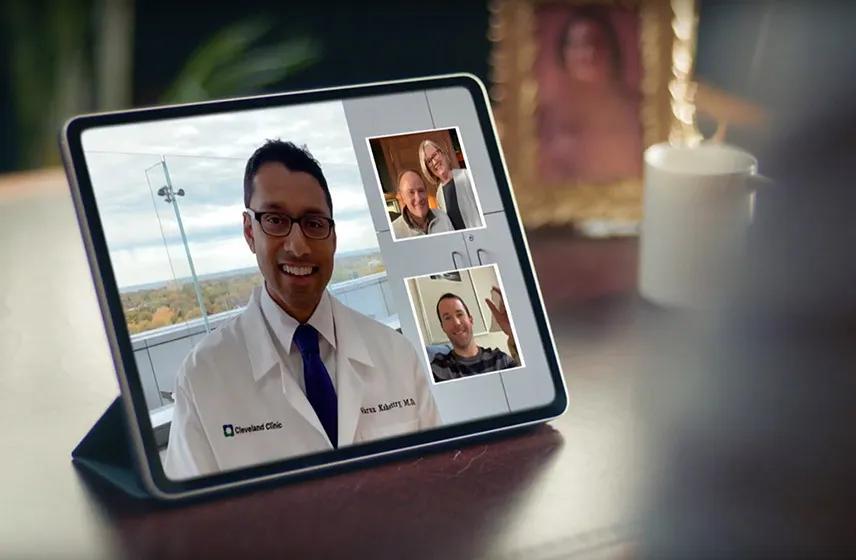
Get the care you need — wherever you are, whenever you need it.
Virtual visits let you meet with a healthcare provider online from home, work or wherever is convenient for you. Whether you need care right away or want to plan a visit for later, you can get a diagnosis, treatment, follow-up care or prescription when appropriate — all without a trip to your provider’s office, urgent care or the ER.
From on-demand care to scheduled visits and ongoing primary care, there’s a virtual visit option to fit your needs and schedule.
Have a cough that won’t go away? Sneezing your way through spring? Worried about a rash that just appeared? An on-demand express care virtual visit is a quick and easy way to get care for these and many more common health concerns, right away from the comfort of home, no appointment needed.
Have a cough that won’t go away? Sneezing your way through spring? Worried about a rash that just appeared? An on-demand express care virtual visit is a quick and easy way to get care for these and many more common health concerns, right away from the comfort of home, no appointment needed.
Monday – Sunday: 6 a.m. to 10 p.m.
Holiday hours are 8 a.m. to 4 p.m., with a few exceptions:
For care that doesn’t require immediate attention, a scheduled virtual visit gives you the flexibility to plan ahead. You can schedule a virtual visit with your provider just like you would for an in-person appointment. Scheduled virtual visits are a convenient option for:
If you’re scheduling a virtual visit with a specialist, please contact their office directly to make an appointment.
If you live in Ohio, you can schedule virtual primary care visits for ongoing care. It’s an easy way to stay connected with the team of healthcare providers who know you and understand your long-term needs.
When your child doesn’t feel well, getting them dressed and into the car for a doctor’s appointment isn’t always easy. Scheduling a virtual pediatric primary care visit lets them get expert care from their pediatrician without leaving home. It’s a convenient option for things like a fever, sore throat, allergies, colds, coughs and even prescription refills.
Whether you need care right away or want to schedule a visit for a later date, you can get started through MyChart. You must live in the U.S. to use virtual visits.
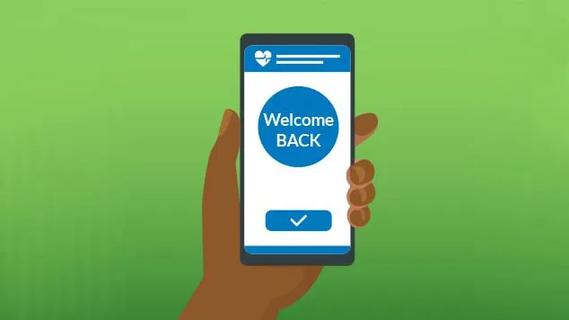
You’re ready to go. Simply log in to your MyChart account through the MyClevelandClinic app on your smartphone or on your computer to start an express care virtual visit or to schedule a virtual visit.
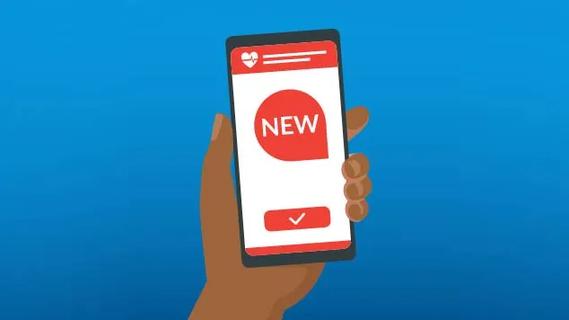
You can create an account using the MyClevelandClinic app or the desktop version of MyChart. Once you’re registered, you can log in to schedule future visits.
Call 216.444.5437 (KIDS).
When it’s time for your virtual visit, you can connect using the MyClevelandClinic app on your smartphone or MyChart on your computer or tablet. Make sure you have a reliable internet connection and a device with a working camera and microphone.
When you join your visit, make sure that your microphone is unmuted so your provider can hear you.
Yes, Virtual visits are subject to regulations and other requirements that vary by state and country. This can impact the availability of the services. When you’re scheduling a virtual visit — or connecting for an express care virtual visit — you’ll be asked where you’ll be located at the time of your visit. This information will be used to determine whether services are available in your area.
Yes, a family member, caregiver or translator can participate in your virtual visit.
Whether you’re using the MyClevelandClinic app on your smartphone or MyChart on your computer, getting started is easy. All you need is a smartphone, tablet or computer with a reliable internet connection, plus a camera and microphone for your visit.
For express care virtual visits for non-emergency concerns: Open the MyClevelandClinic app or log into the MyChart website, select Express Care virtual visits and follow the log-in instructions. Download the step-by-step instructions for detailed instructions.
For scheduled virtual visits: Complete these steps to prepare for your visit.
Some insurance companies will cover express care and scheduled specialty virtual visits. It’s best to confirm your benefits with your insurance company prior to your visit. Cleveland Clinic will bill your insurance first, and you’ll only be responsible for any remaining charges.
Virtual visits are still an option for you, even if your insurance company doesn’t cover them. Contact one of our Patient Financial Advocates to ask about any potential out-of-pocket costs.
If insurance covers your visit, there may be a copay that’s determined by your plan. Before your appointment, it’s best to check with your insurance company to see if they cover virtual visits. There may still be an option for you even if your insurance plan doesn’t cover virtual visits.
A virtual primary care and express care virtual visit is often covered by insurance at the same rate as an in-person primary care visit. You will be responsible for any copayments, as determined by your insurance plan. To ask about any potential out-of-pocket cost, you can contact one of our Patient Financial Advocates.
Your out-of-pocket cost for specialty scheduled virtual visits is based on your specific insurance coverage. Please contact your insurance carrier for details, including copays, prior to your visit.
If you encounter technical difficulties during your virtual visit or need technical support for your upcoming scheduled virtual visit, you can reach us anytime at 1.866.915.3383 (toll-free).
If you’ve used the Express Care Online app before, you’ll need to download the MyClevelandClinic app and complete a one-time enrollment prior to completing a virtual visit.