


Planning a Visit?
Is my insurance accepted at Cleveland Clinic?
We accept a wide variety of insurance plans at our main campus, community hospitals and family health centers.
What should I do before my visit?
Review our billing checklist to make sure you’ve covered it all.
What are my rights against surprise medical bills?
Laws prevent providers from issuing surprise medical bills.
How do I estimate how much my procedure will cost?
Want to know the cost of your upcoming surgery or exam? Try our cost estimator.
Does Cleveland Clinic provide financial assistance?
Yes. Find federal eligibility guidelines and learn how to request help if you are not able to pay your bill.
Questions After Your Visit?

How do I understand what’s in my bill?
Not sure about what your insurance covers? Having a hard time figuring out your physician and hospital bill?

How do I pay my bill?
Find out how to quickly pay your bill by mail, on the phone or online.

How do I stop receiving bills by mail?
Eliminate the clutter of paper bills by signing up for MyChart paperless billing.
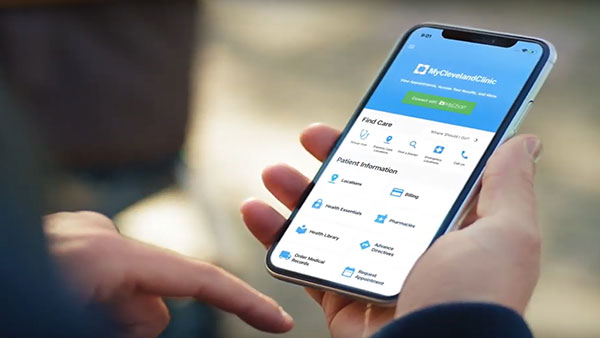
What to Expect from Paperless Billing
As of Sept. 1, 2022, we’re moving to paperless billing. What does that mean? You can now pay your monthly statements in your MyChart account — a secure and convenient way to get your bill. You will find and can pay your monthly statements in your MyChart account. If you’re not a fan of paperless billing, you can switch back to paper statements after Sept. 1 in your MyChart account in the MyChart Mobile App or on the MyChart website.
Learn More